
Cooler Master is proud to present ControlPad, an innovative new control method for gamers, creative professionals, and everyone in between.
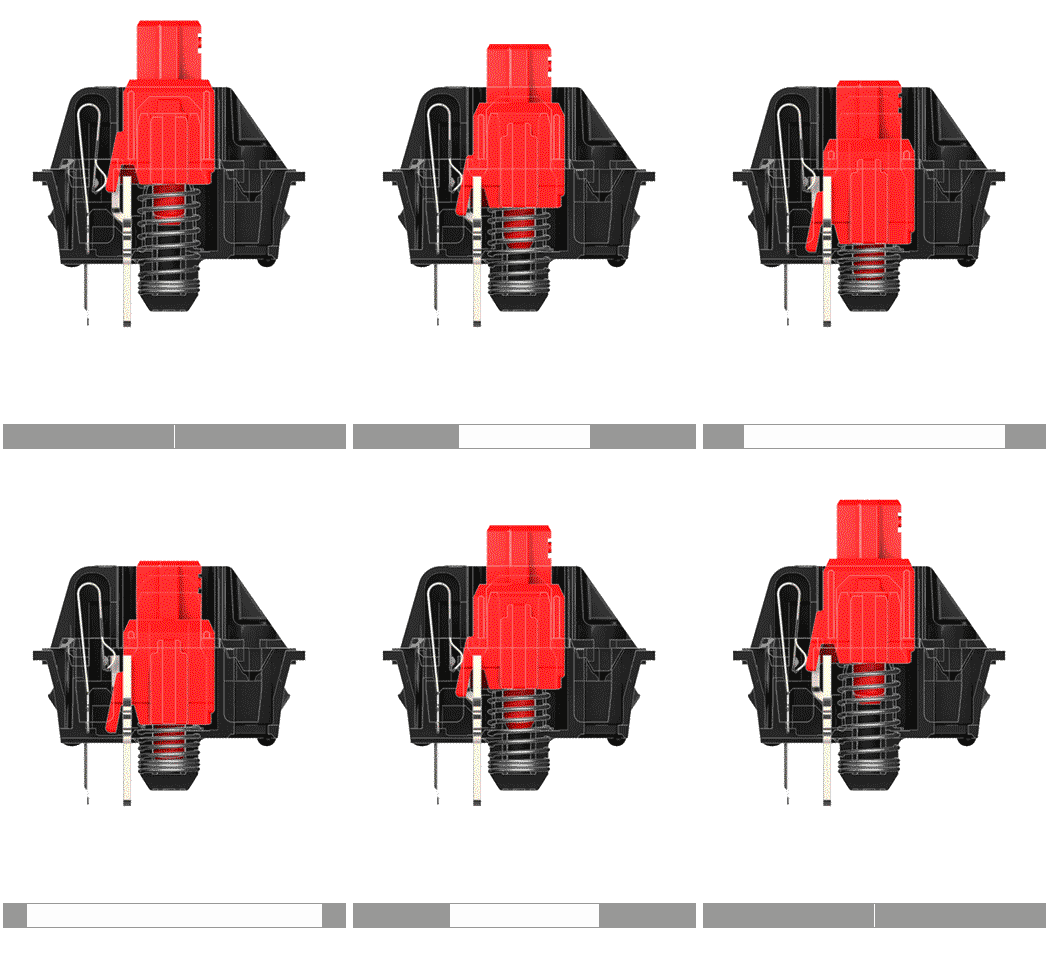
On a standard keyboard, inputs are either ON or OFF, like a light switch. Learn the basics of ControlPad
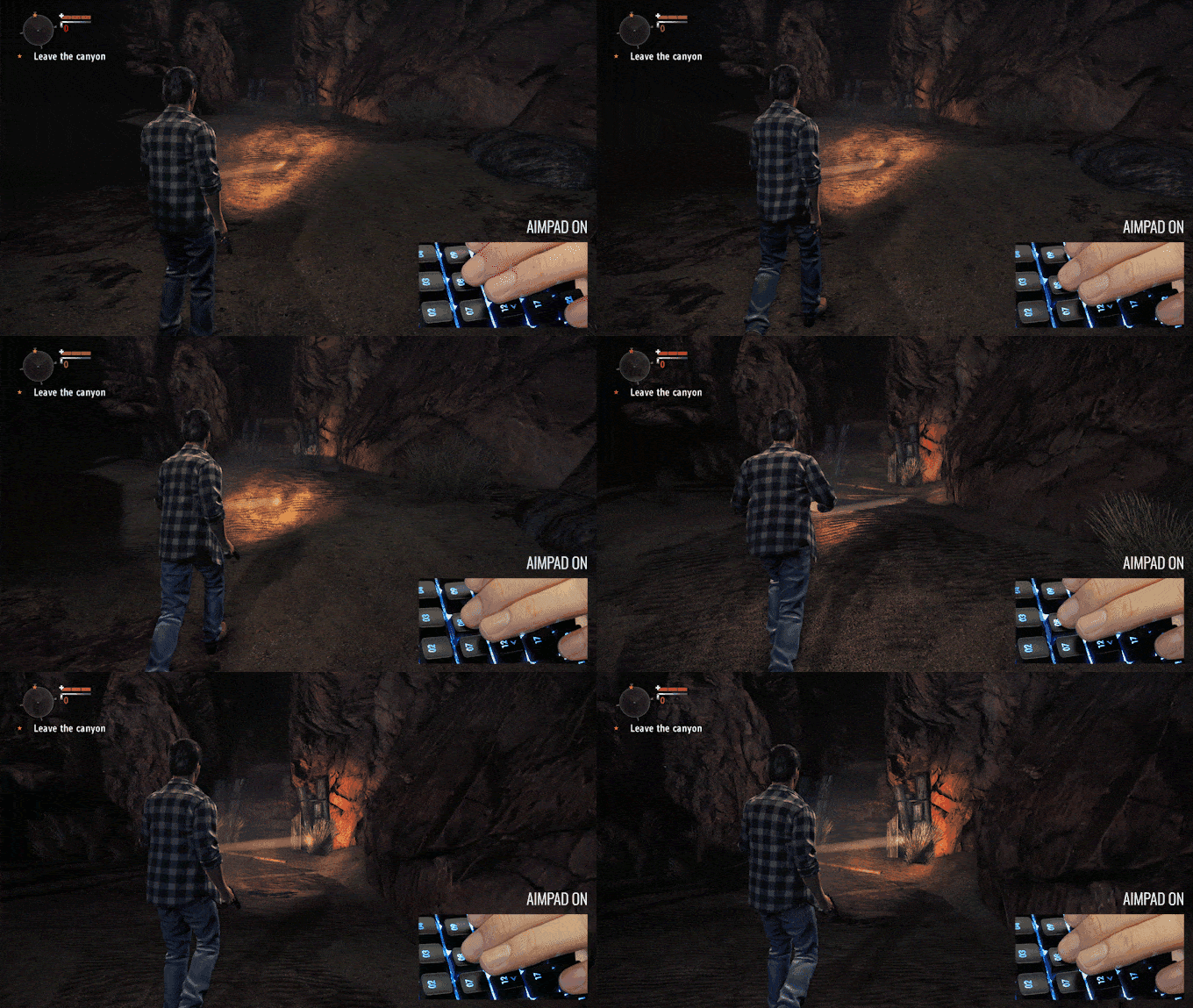
With Aimpad, controls have varying degrees of ON or OFF depending on the intensity of their registering, like a dimmer light switch — putting full analog control right at your fingertips.
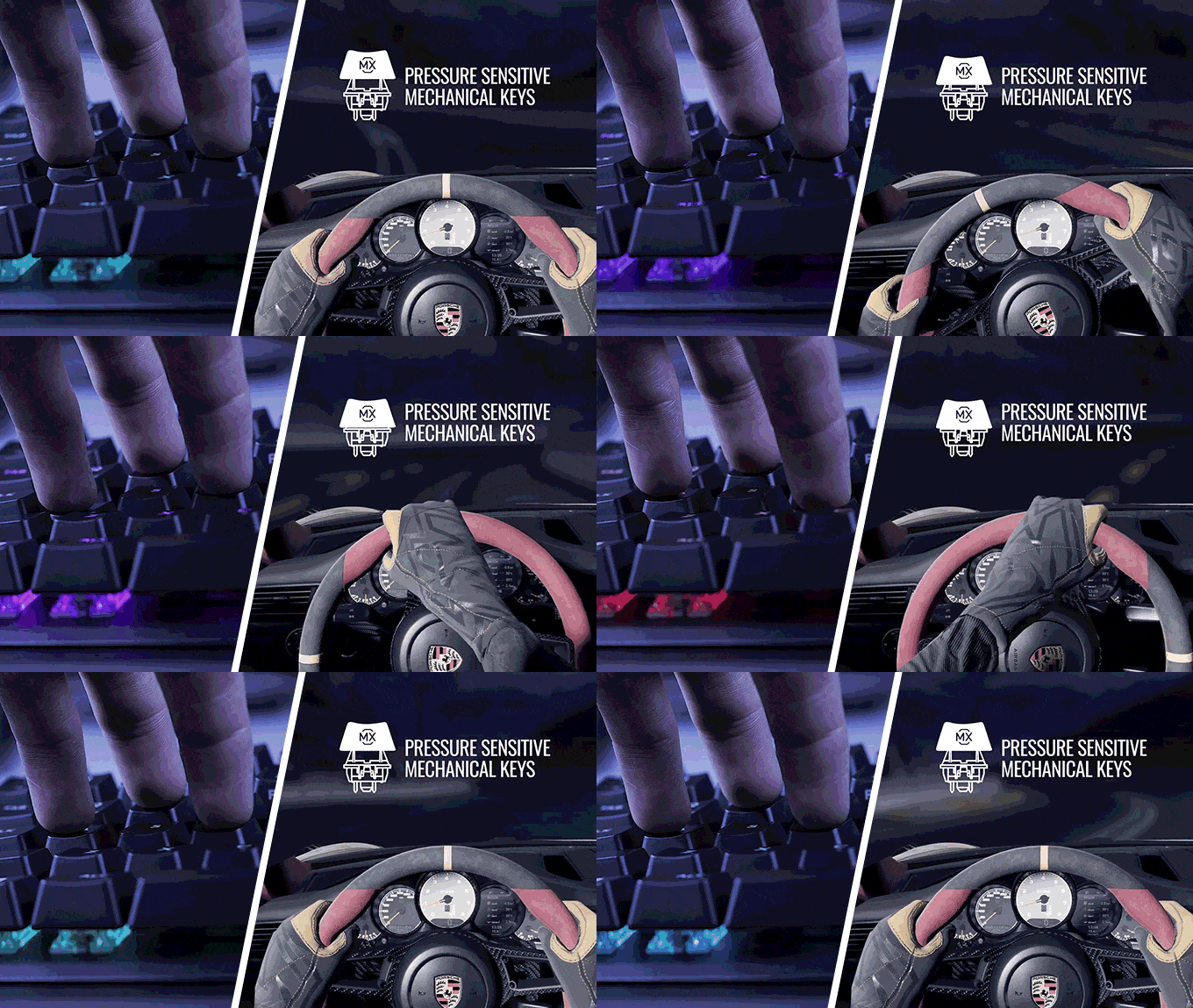
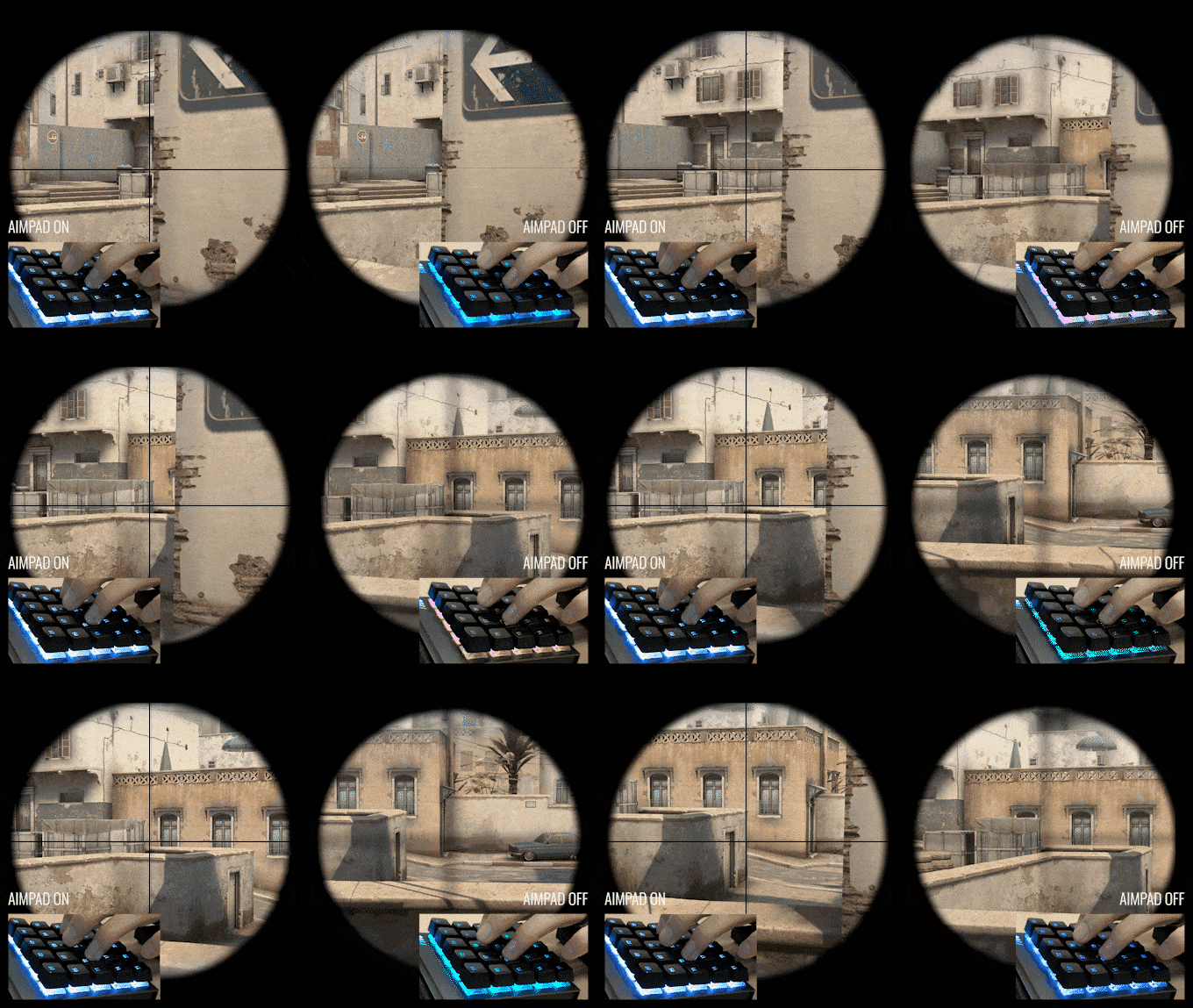
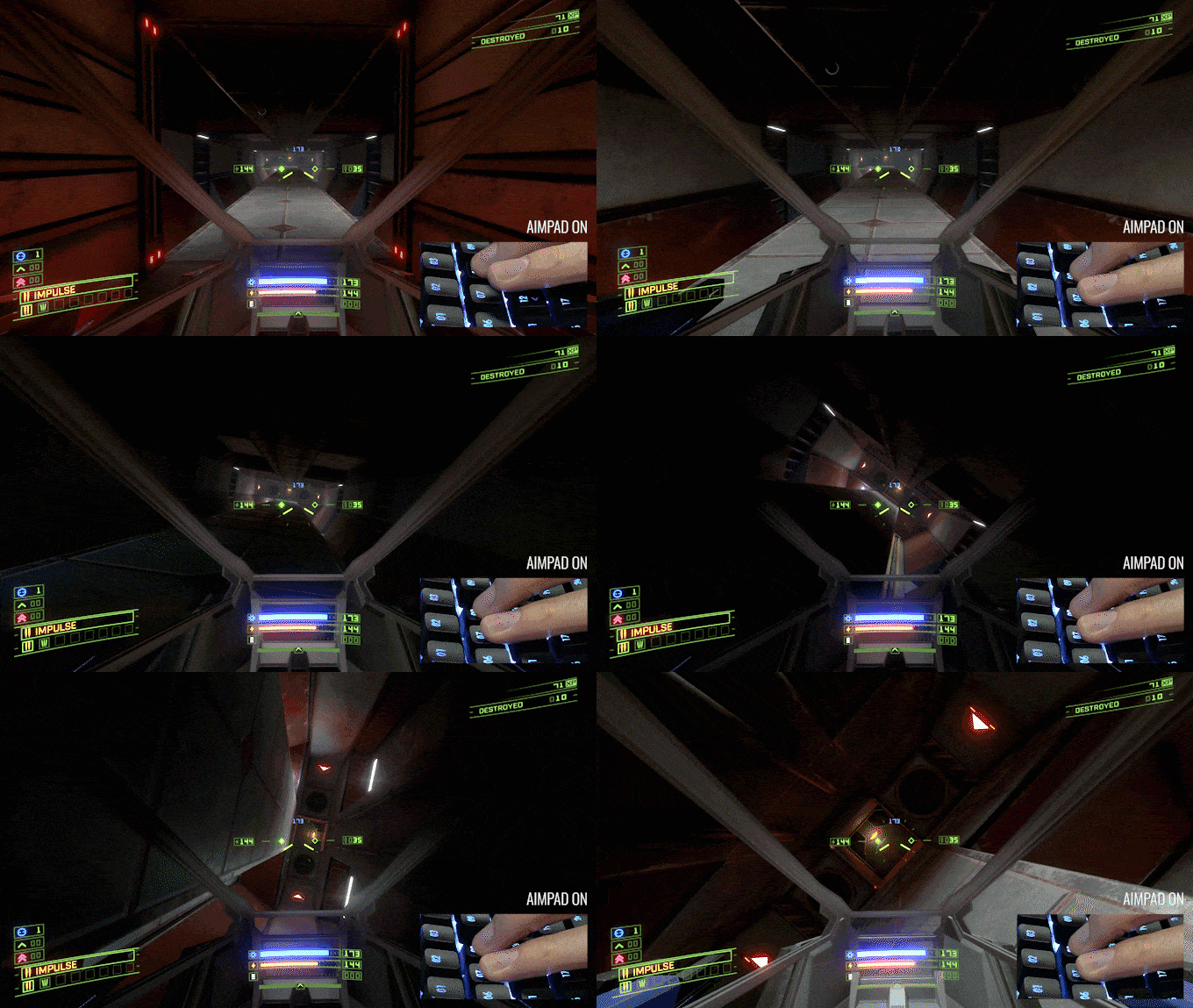
Gamers can use ControlPad to smoothly transition between walking, creeping, and running, or adjust pitch, yaw, and roll when you’re behind the stick of a military helicopter. Play games the way they were meant to be played. Walk and drive with precision without needing to use a controller and sacrifice your aim with a mouse.
Your crosshair can stay perfectly straight while walking in games like CS:GO, giving you a tactical advantage over regular keyboards.
Get ultimate control of your speed while flying, and adjust pitch, yaw, and roll.
Walk, run and creep all with a single, controlled press.
See ControlPad gaming in action
Make slight adjustments or course corrections in game minus the jerky tapping of traditional keyboards, and get fine-tuned movement in your WASD fingertips.
Creative professionals can use ControlPad to analog-adjust brush size, thickness, and opacity, or quickly pan and scan across multiple frames of video. See how creative professionals are using ControlPad
Don’t see your application or hotkeys? No problem. Easily customize and make your own with just a few clicks.

Your PC will recognize ControlPad as a controller AND a keyboard. Therefore, games that come with controller support can work with ControlPad, with some games offering partial support.
The games linked here feature full analog movement and work well with Aimpad technology. If a game isn’t on this list, it doesn’t mean it won’t work with ControlPad—it just means it either hasn’t been tested yet or may require some tweaking to behave properly.
To make ControlPad even more intuitive, we've designed dedicated keycap sets, sold separately. These sets include caps for FPS Gaming, Relegendables, Photoshop, Illustrator, and Premiere Pro.
ControlPad is built to last — with mechanical switches installed in a brushed aluminum housing and a removable wrist rest, it can withstand the daily use of a creative professional, or even the nightly abuse of a gamer.
Adjust your volume, dial in your DPI, change colors, and more with just two precision wheels.
As always, we’ve implemented RGB backlighting across all keys — but it’s not just for show. With presets, you can easily highlight specific keys according to your application — bumping the intuitive factor on the ControlPad up to 11.
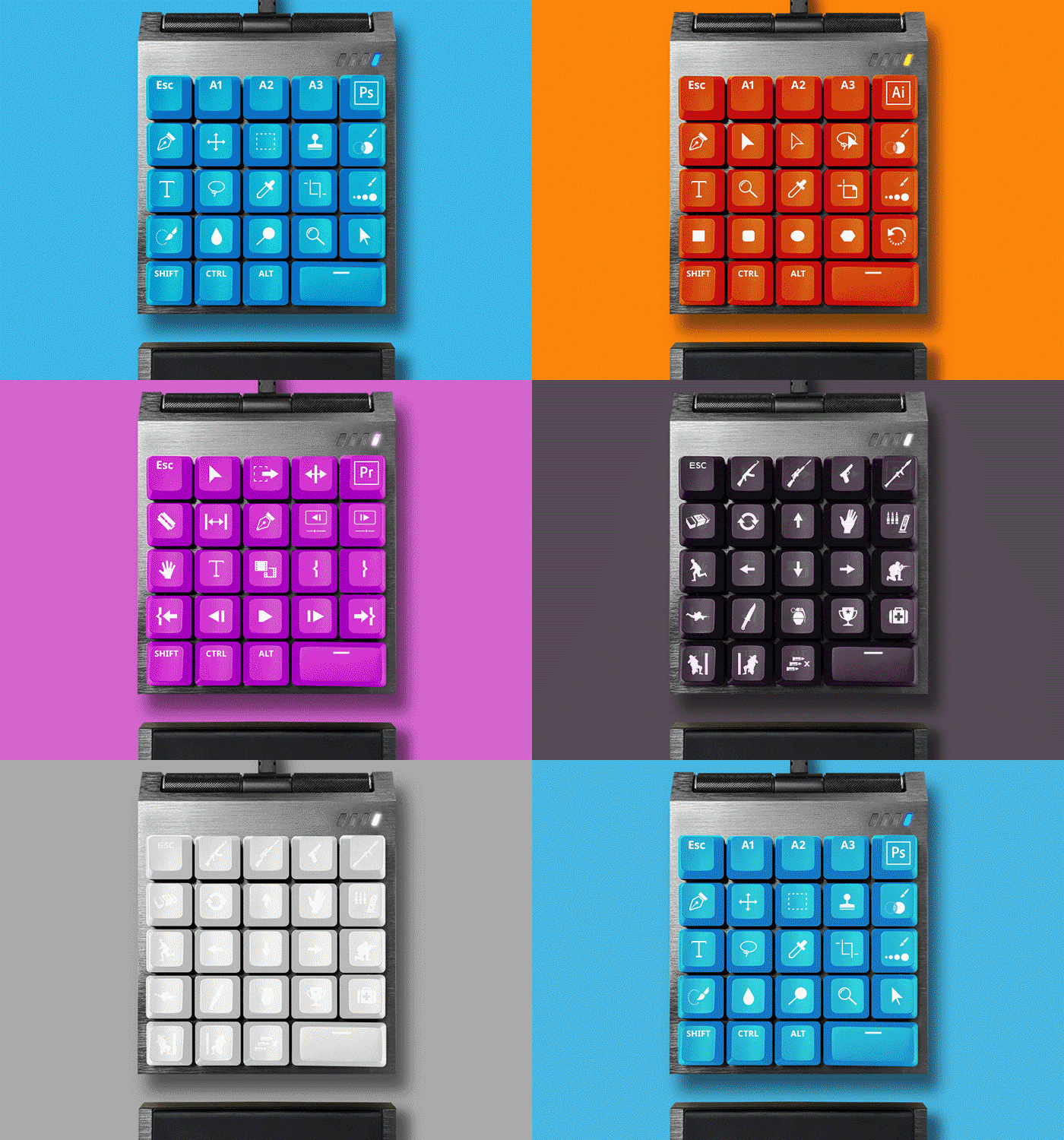


Looking for Relegendable keycap templates? Click here to view all of them, or pick one from the links above.
Start by downloading the MasterPlus software on our website. Although ControlPad works out of the box, its lighting, keymapping, macros, and profiles can only be programmed through the software.
Fortunately, all of these settings are saved on onboard memory, which means you can use the same settings on other computers without re-downloading the software.
Please be aware that the MasterPlus (PER. Only) only supports some of the Peripheral Products, so you cannot link the Case, Power or Thermal products of Cooler Master via MasterPlus (PER. Only).
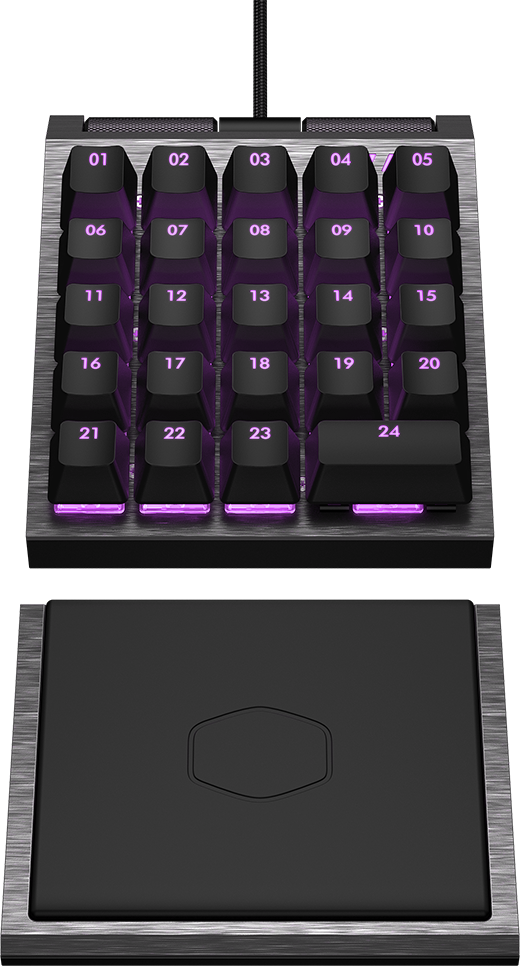
Check out the image below for the layout — its basically the left side of a conventional keyboard. If you want to map other specific controls to each key, refer to the MasterPlus software for these configurations.
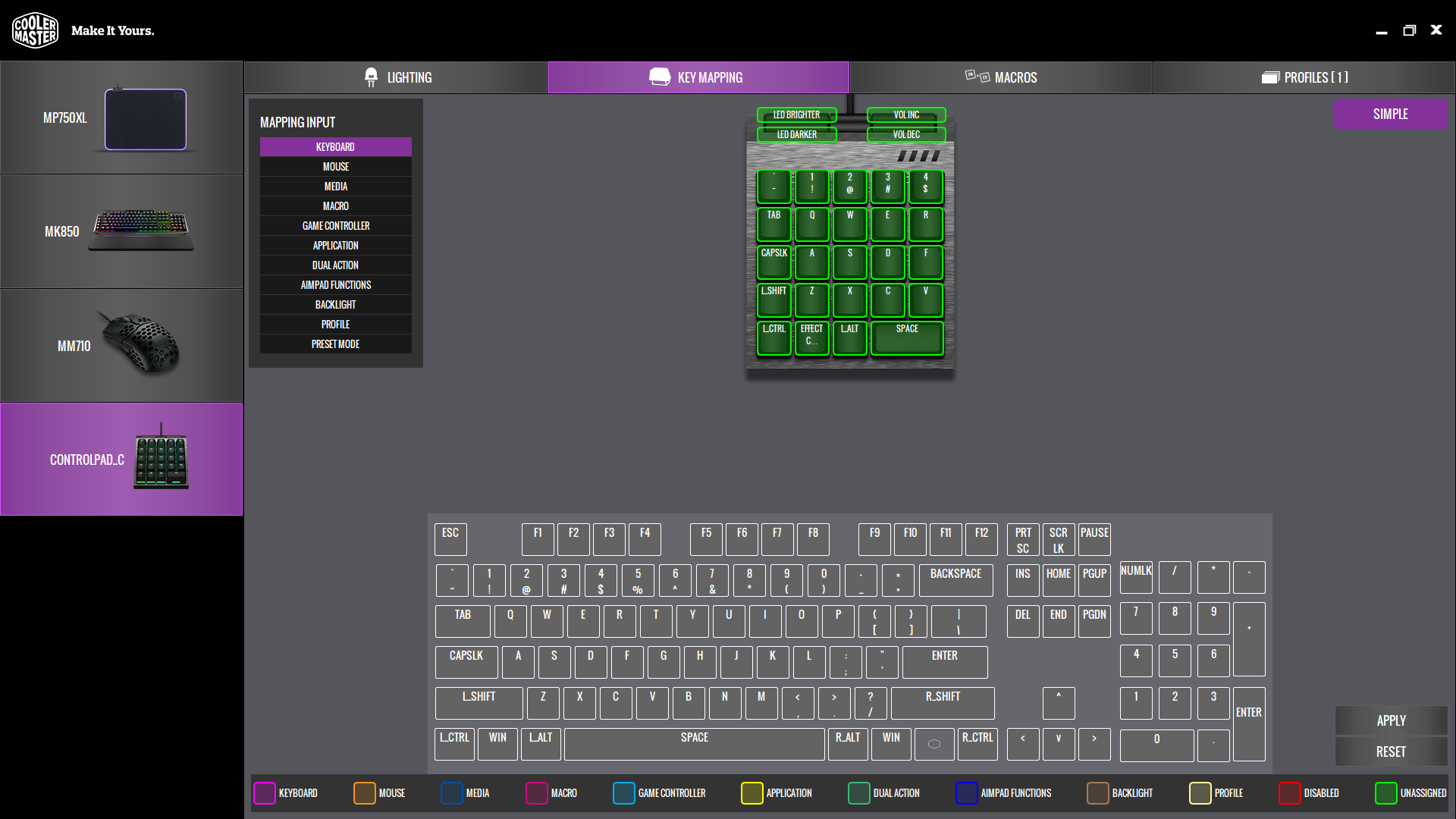
Refer to MasterPlus software for configurations related to specific keymapping.
Key 22 allows you to cycle through the preset effects, while the Left Precision Wheel adjusts brightness. For more custom lighting settings, check out the Lighting Session window in the MasterPlus software.
To unleash ControlPad’s full potential, you’ll first need to turn on Aimpad. Simply press Key 03 + 08 + 15 for at least 5 seconds. Continue holding until the ControlPad reboots. If you turned on Aimpad correctly, your computer will recognize it as a gaming controller.
Note: restart time varies depending on your hardware level and Windows version.
All games that come with controller support should most likely work with Aimpad. However, some may have full support with a keyboard and mouse, while others may only have partial support. You can find the comprehensive list of supported games and functions at aimpad.com/compatibility.
Keep in mind that if a game isn’t on this list, it doesn’t mean it won’t work with Aimpad. It just means it either hasn’t been tested yet or may require some tweaking with in-game settings to behave properly.
This is most likely because the ControlPad is not being recognized as Player 1. If you have multiple controllers or gaming peripherals, always connect the ControlPad first so it gets slotted as Player 1. Connecting a peripheral before the ControlPad may override this priority and set the ControlPad as Player 2.
Not sure of your connectivity settings? You can use Aimpad’s Controller Test at aimpad.com/downloads.
If you're using a PC with an OS older than Windows 10, you must install the Xbox 360 Controller Driver before connecting ControlPad for the first time.
You can try to calibrate the Aimpad via hardware or software:
Hardware:
Software:
Note: If the LED doesn’t turn to GREEN, you may have to repeat Step 2 until it succeeds.
Yes, this is normal. When you turn on Aimpad, the ControlPad will reboot to be recognized as a game controller. Therefore, the software will relaunch with the restart of the hardware.
We’ve enclosed keycap pullers with each of our keycap sets for easy removal of the default set. Please be sure that the puller firmly grasps both sides of the key before pulling firmly yet gently. Otherwise, you may risk snapping the stems in the keycap.
ControlPad currently has 5 custom keycap sets for specific applications:
ControlPad currently has 5 custom keycap sets for specific applications, sold separately.
Sure! You can use the MasterPlus software to make precise adjustments in:
Lighting: Change lighting effects or customize backlight colors.
ControlPad has 13 preset lighting effects:
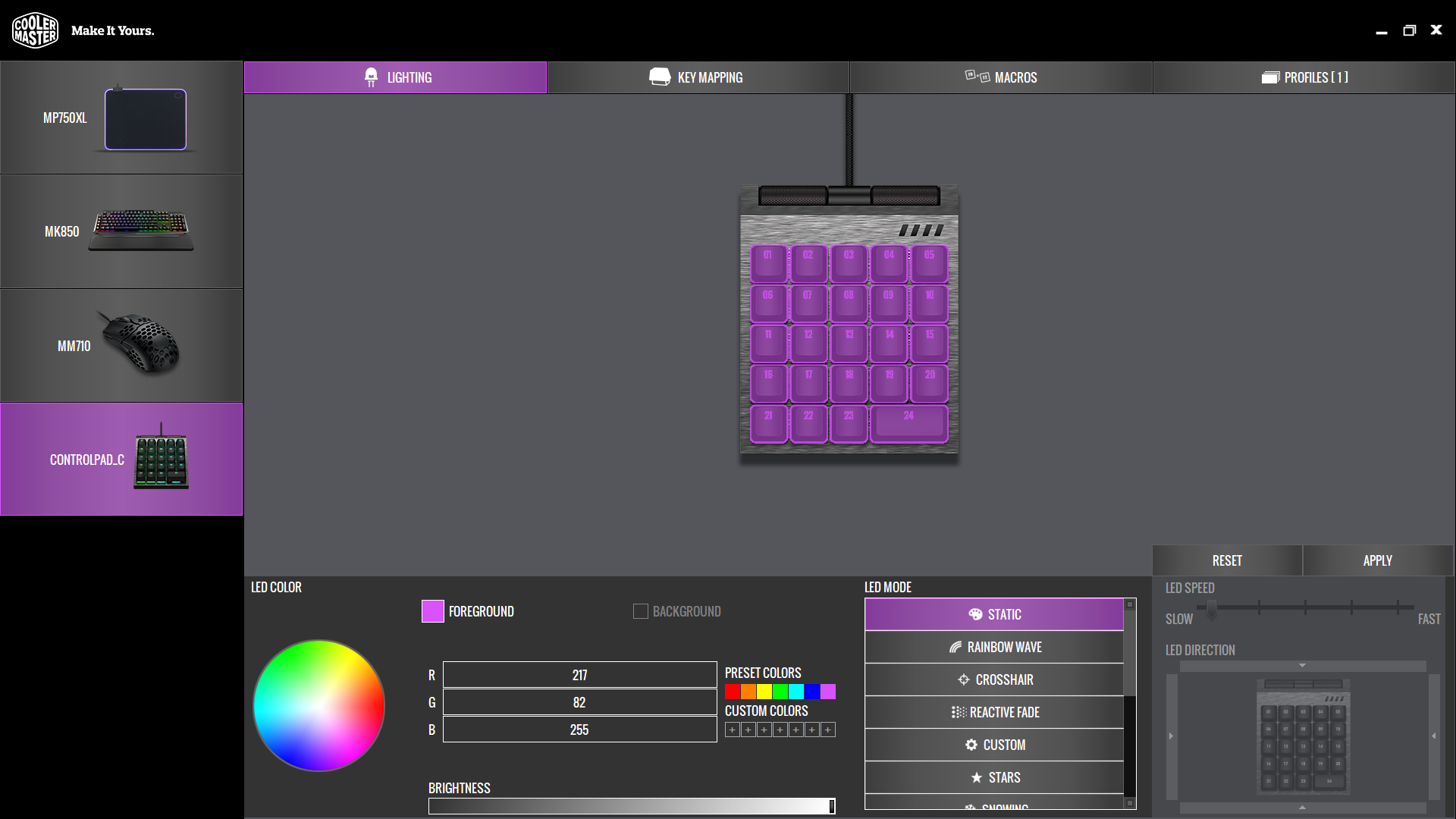
You can adjust the brightness, speed or direction for each effect via software.
Key Mapping: Map specific functions to each key, or apply preset control configurations for specific games and applications. Please note: the ControlPad currently only has app support for the Adobe Suite, but more will be added in the future. Map specific functions to each key, or apply preset control configurations for specific games and applications.
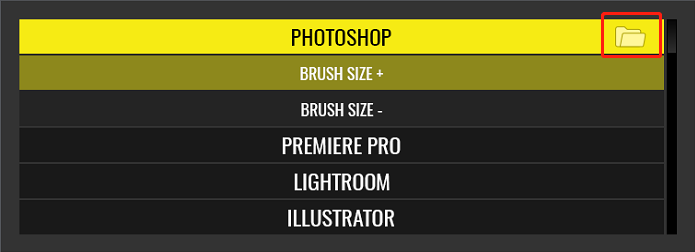
Please be aware that the software will search the application install path automatically to allow the it to launch the application. Also, you can specify the path manually by clicking the buttons beside the application menu.
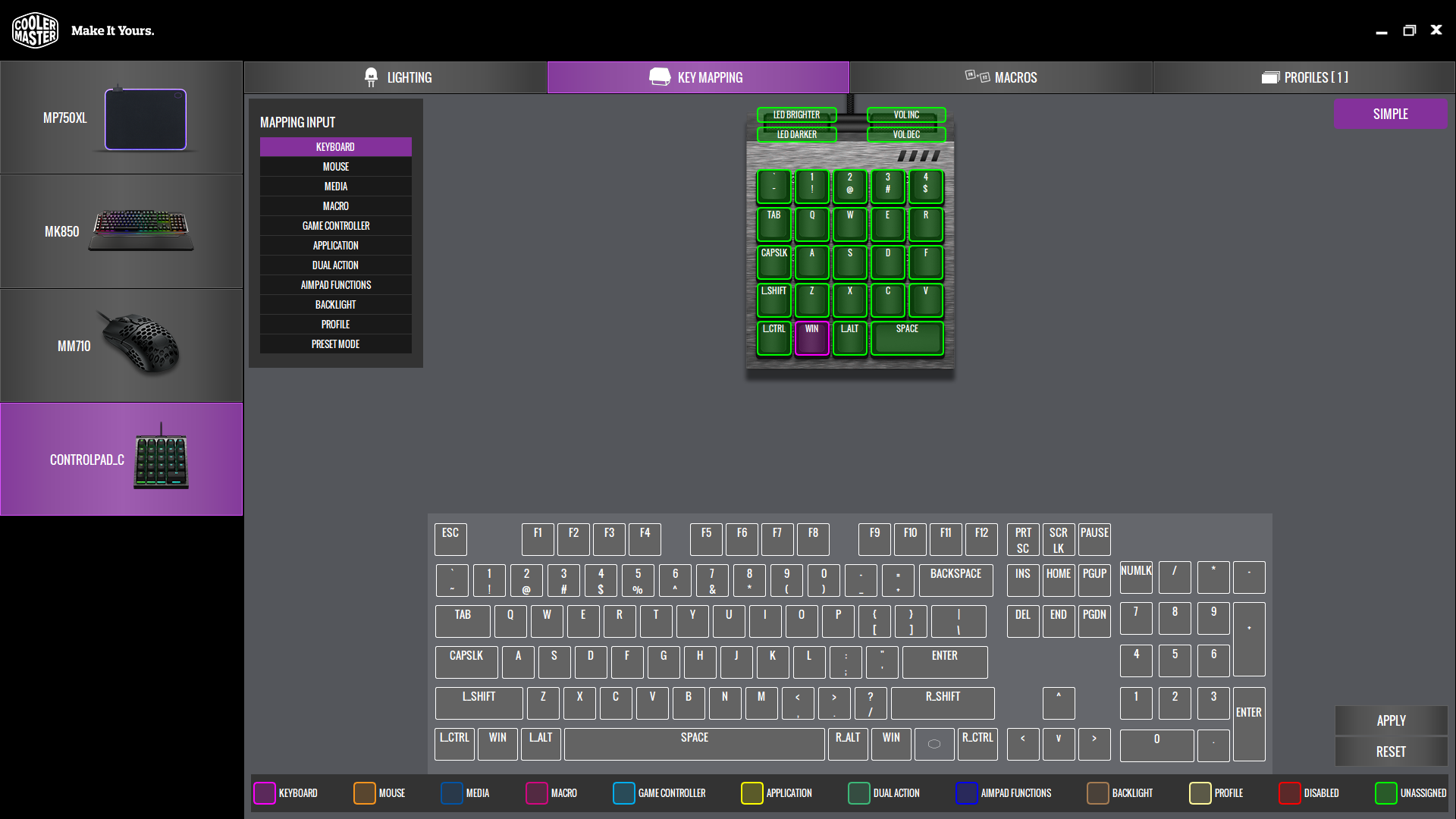
Q: I selected a Game Controller configuration and it didn’t apply. What happened? Generally speaking, the Software will search the install path automatically, but you can also specify the path manually by click the Folder icon beside the Application menu.
A: In order to use Controller key mapping, you must first turn on Aimpad. Refer to the “Aimpad” section for instructions on how to do so.
Q: How do I specify the path of the supported application?
Macros: Record, edit and assign macros to specific keys. These macros can also be assigned in the Key Mapping tab.
Record, edit and assign macros to specific keys. These macros can also be assigned in the Key Mapping tab.
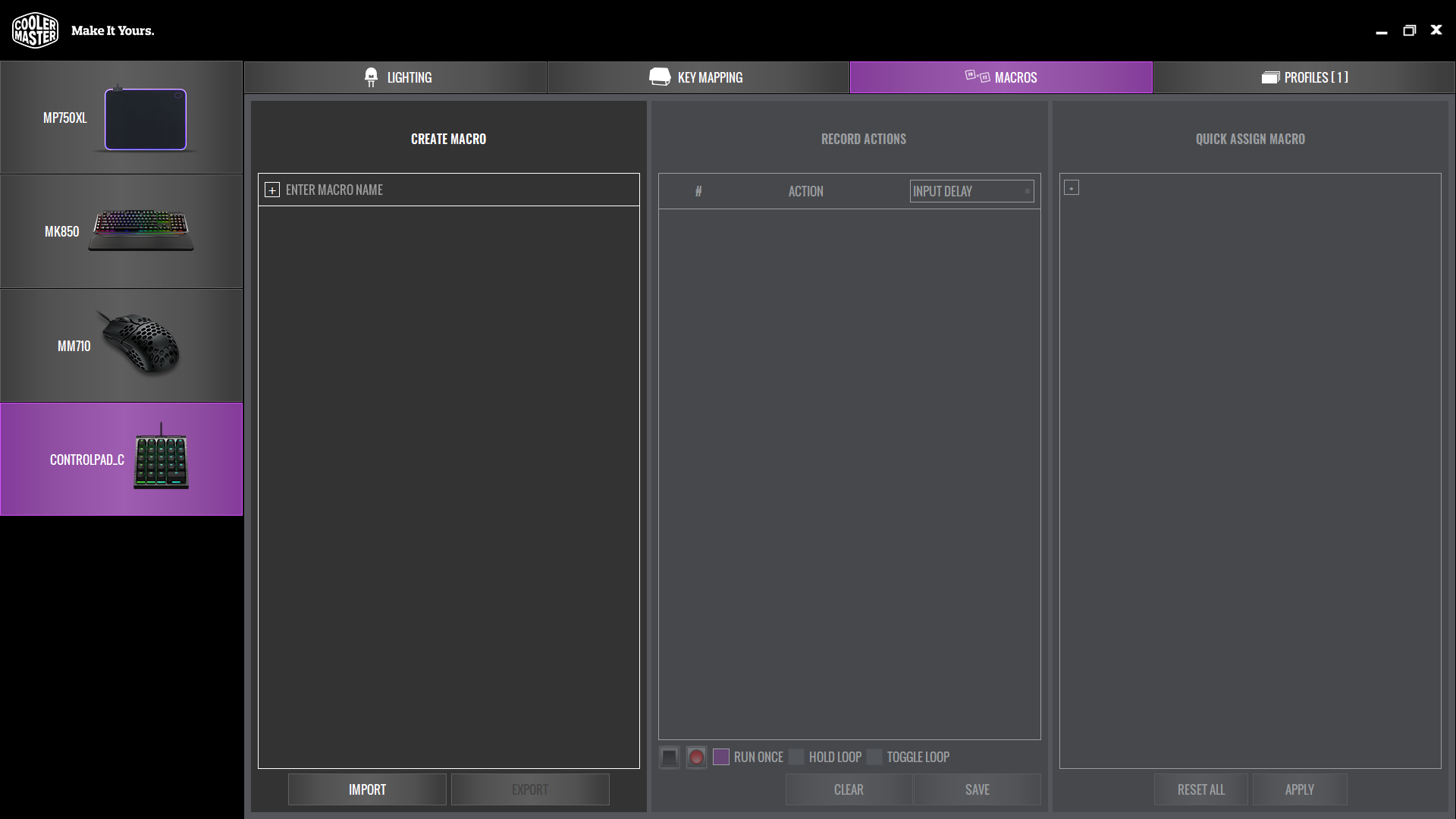
Q: How do I set a macro through the software?
A: Black square = Stop, Red circle = Record.
Profiles: Reset, rename, import, export up to 24 profiles here. You can even prompt an application when you switch profiles. Reset, rename, import, export up to 24 profiles here. You can even prompt an application when you switch profiles.
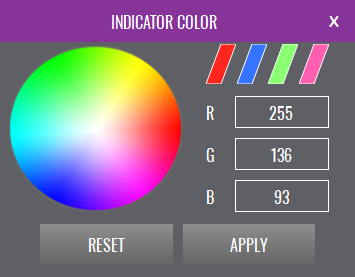
To recognize different profiles, you can set color combinations for indicator LEDs on this page as well.

Nothing! The MasterPlus software automatically downloads any updates. If there is a firmware update for ControlPad, it will automatically push it to the device for convenient installation.
Yes, this can happen. Because the ControlPad supports 24 profiles, depending on the number of customized macros and other settings, it may take longer to load. We will continue to optimize these issues.